
How to Change Your FPL Team Name
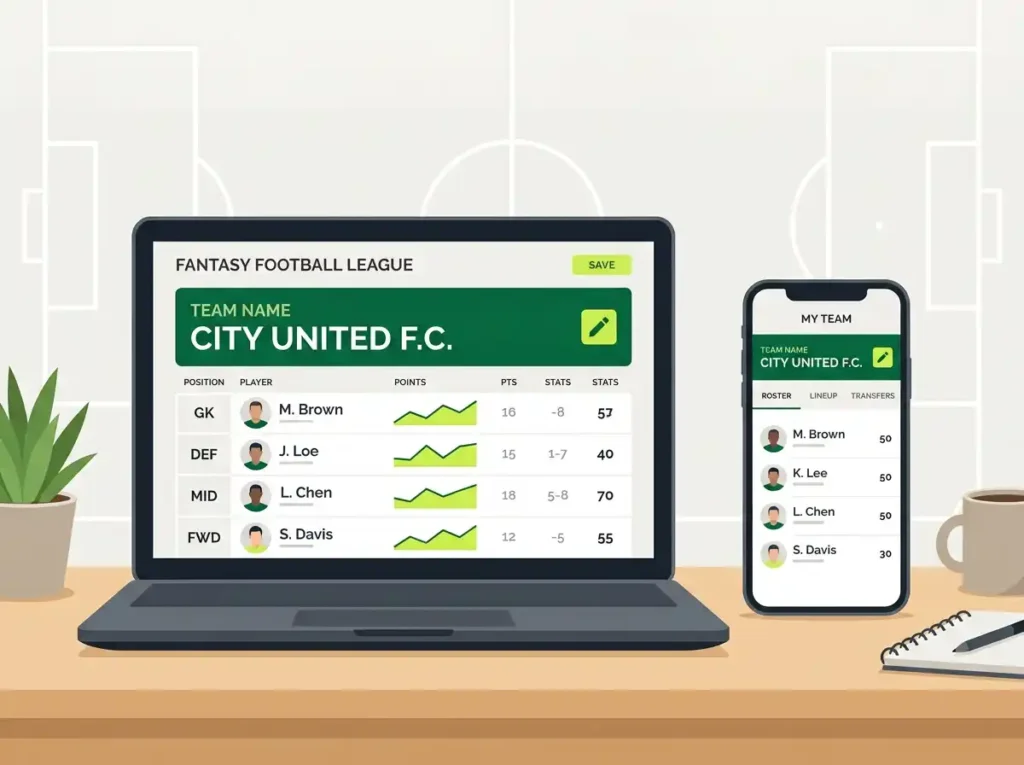
Regret picking that FPL team name at 2 AM before the season started? You’re not alone. Thousands of Fantasy Premier League managers go through the same thing — what felt brilliant in the moment suddenly sounds stale by Gameweek 5. Good news? Changing your FPL team name takes about 30 seconds. You can do it as many times as you want, at any point during the season. No chip required, no points deducted — just a quick edit and you’re sorted. This guide covers exactly how to change your FPL team name on desktop and mobile, the naming rules you need to know, and where to find fresh FPL team name ideas if you’re stuck on what to pick next. Can You Change Your FPL Team Name Mid-Season? Yes — and there’s no limit on how often you do it. Fantasy Premier League lets you update your FPL team name at any point through the Team Details section. It doesn’t cost a transfer, won’t touch your points, and the change shows up immediately across all your mini-leagues. So whether you’ve spotted a better pun, want to honour a new signing, or just fancy something different after a rough run — go ahead. How to Change Your FPL Team Name on Desktop The desktop version is the quickest way to update your FPL team name. Five steps, under a minute. Step 1 — Log In Go to fantasy.premierleague.com and sign in with your email and password. Step 2 — Open Pick Team Click the “Pick Team” tab from the top navigation bar. Step 3 — Find Admin Scroll down past your squad. On the right-hand side, you’ll spot a section labelled “Admin” — it sits just above the upcoming fixtures. Step 4 — Click Team Details Under Admin, you’ll see two links: Team Details and User Profile. Click Team Details. Step 5 — Edit and Save You’ll see a text field with your current FPL team name. Delete it, type your new name (20 characters max), and hit “Update Details.” That’s it. Your new FPL team name is live instantly — check your mini-league standings and you’ll see it’s already updated. How to Change Your FPL Team Name on Mobile Here’s where it gets slightly tricky. The official Premier League app doesn’t always give you a direct option to edit your FPL team name. You’ll need a mobile browser instead. Using a Mobile Browser Open Chrome, Safari, or whatever browser you’ve got on your phone. Go to fantasy.premierleague.com, log in, tap “Pick Team,” scroll down to Admin, tap Team Details, and update your name. Same steps as desktop, just on a smaller screen. Through the FPL App If you’re already in the app, tap the “Fantasy” tab at the bottom, then look for settings or help. Some versions redirect you to the browser-based Team Details page from there. If it doesn’t, just open your phone’s browser and follow the steps above — takes less than a minute. Quick tip: if the mobile site looks off or you can’t find Admin, switch to “Desktop Site” mode in your browser settings. That usually sorts it. FPL Team Name Rules You Should Know Before you commit to a new FPL team name, keep two rules in mind. The 20-Character Limit Every FPL team name must be 20 characters or fewer — spaces included. So “Lord of the Transfers” (21 characters) won’t fit, but “Lord of Transfers” (18 characters) works fine. It’s tight, so plan accordingly. Our fantasy football team name generator only produces names that already fit within this limit, so you won’t have to count characters manually. No Offensive Content The Premier League moderates team names. Anything deemed offensive, discriminatory, or inappropriate gets flagged. In serious cases, they can delete your entire FPL account — not just the name. Keep it witty, not offensive. Best Times to Change Your FPL Team Name You can technically update your FPL team name whenever you like, but some moments feel more natural: Need a New FPL Team Name? Try These Coming up with an FPL team name that’s actually funny, fits the 20-character limit, and hasn’t been used by half your league — that’s harder than picking your captain for a double gameweek. Our Fantasy Football Team Name Generator was built specifically for this. It gives you FPL-ready names sorted by style — funny, clever, savage, and player-based puns — all within the character limit. You can also browse these curated lists for inspiration: Or if you support a specific club, we’ve got dedicated pages for Arsenal, Liverpool, Chelsea, Man City, Tottenham, and more. FAQs About Changing Your FPL Team Name How many times can I change my FPL team name? There’s no limit. You can change it every gameweek, every day, or ten times in a single afternoon. FPL doesn’t restrict how often you update your team name. Does changing my FPL team name affect my points? Not at all. Your FPL team name is purely cosmetic — zero impact on points, transfers, chips, or overall rank. Everything stays exactly as it was. Can I change my FPL team name on the app? The official Premier League app doesn’t always offer a direct edit option. The most reliable method is opening fantasy.premierleague.com in your phone’s browser and updating through Team Details. What happens if my FPL team name is flagged as offensive? FPL will remove it. In serious cases, they reserve the right to delete your entire account under the game’s Terms and Conditions. Stick to humour that doesn’t cross the line. What is the FPL team name character limit? 20 characters maximum, including spaces. If your name is too long, try abbreviations or use our team name generator — it only produces names that fit. Can I change my FPL league name too? Yes, but only if you’re the admin of that league. Go to Leagues & Cups, find your league, click settings, and rename it from there.